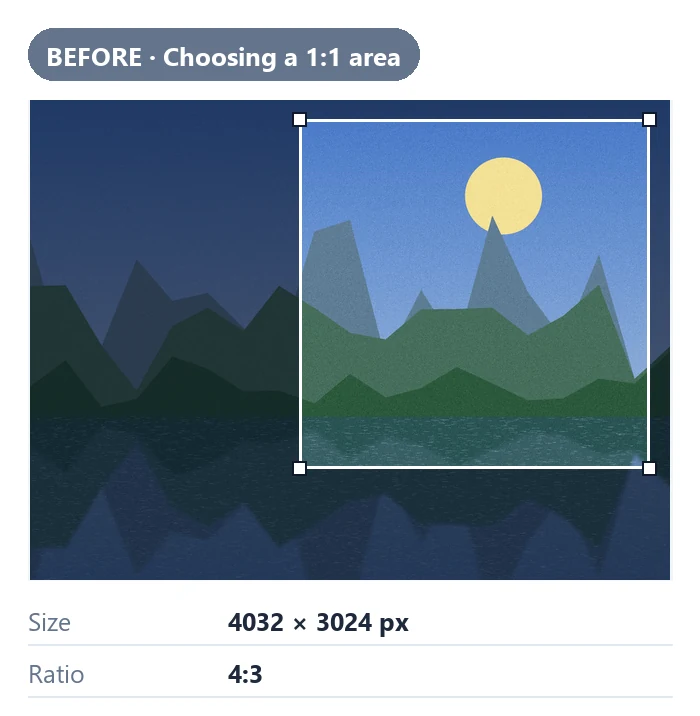
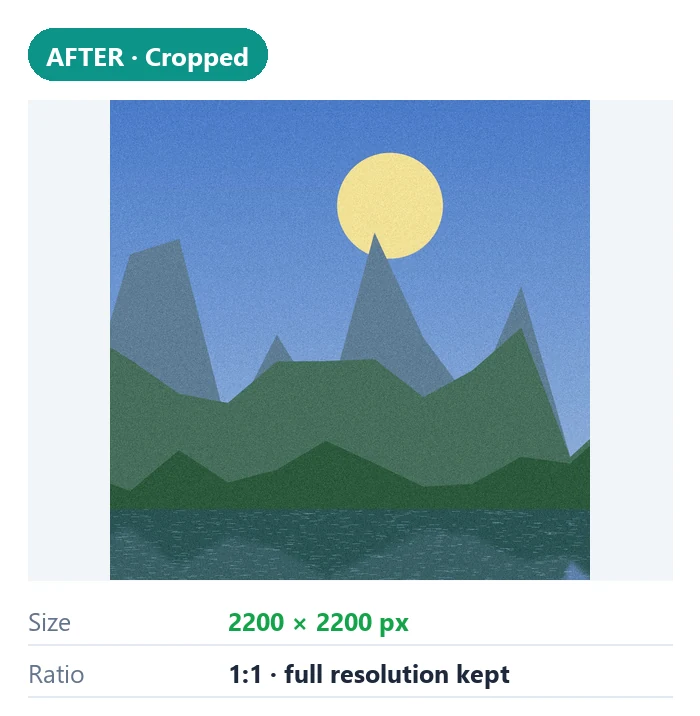
Example: before and after
When to use it
- Keeping just part of a screenshot
- Making a square (1:1) profile or product photo
- Fitting a blog or YouTube thumbnail to 16:9
- Straightening a sideways photo or un-mirroring a selfie
Choosing a ratio
| Ratio | Good for |
|---|---|
| Free | Any area you like |
| Original | Trimming the edges while keeping the photo’s shape |
| 1:1 | Profile pictures, Instagram, product photos |
| 4:3 · 3:4 | Standard camera photos, document shots |
| 16:9 · 9:16 | YouTube and blog thumbnails, phone wallpapers and stories |
Need a smaller file too?
Cropped photos are saved at high quality. If there is an upload size limit, run the result through Compress image or Resize image. Location data in the photo is removed as part of cropping.
Image formats this tool accepts
This tool accepts JPG, PNG, WEBP and HEIC (iPhone photos). HEIC photos that Windows struggles to open can go straight in without converting them first.
Phone photos are turned upright using the orientation recorded when they were taken. Results are saved as new images, so location (GPS) and device details are not included. Depending on the tool, the output keeps the original format or you can choose it under “Options”.