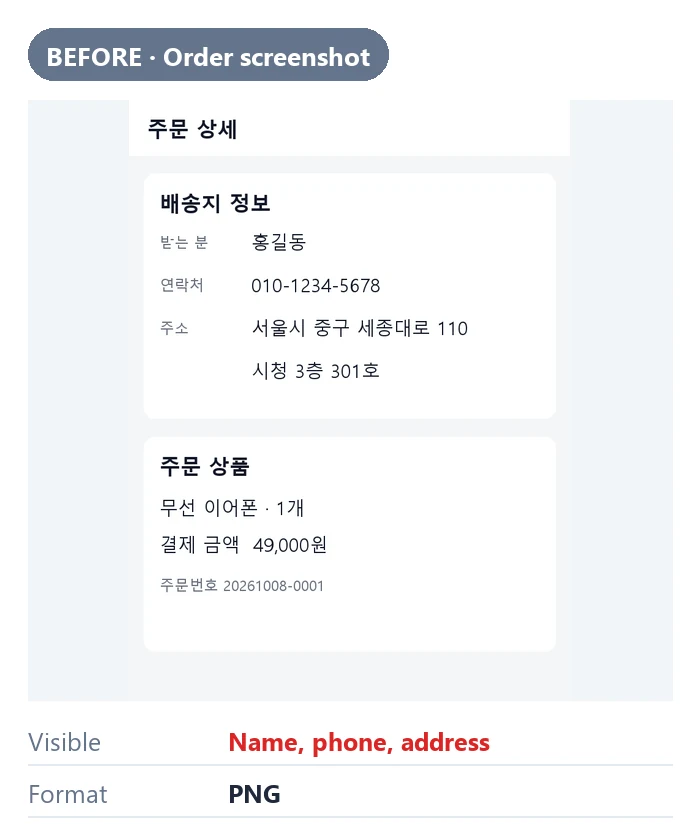
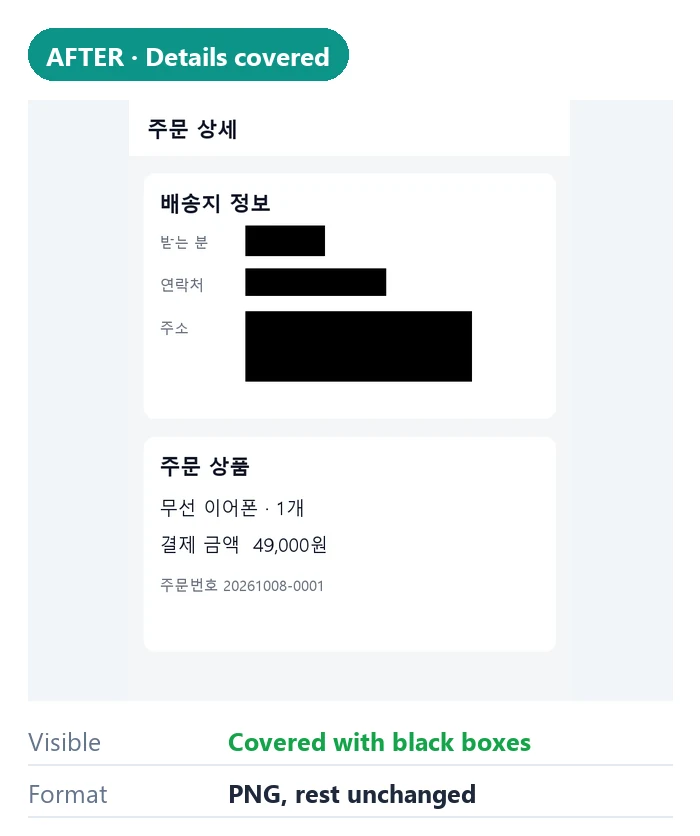
Example: before and after
When to use it
- Hiding names, phone numbers and addresses in a delivery or marketplace screenshot
- Covering account numbers on a bank transfer receipt or student IDs on a transcript
- Hiding other people’s faces before posting a group photo
- Covering profile names in a chat screenshot
Before you share
- Check the status bar and notifications in a screenshot for names or numbers too.
- Look for the same detail appearing more than once, and cover every instance.
- Open the result once to make sure nothing was missed.
If you are also worried about the location hidden inside photos, see How to check and remove location data from photos.
Image formats this tool accepts
This tool accepts JPG, PNG, WEBP and HEIC (iPhone photos). HEIC photos that Windows struggles to open can go straight in without converting them first.
Phone photos are turned upright using the orientation recorded when they were taken. Results are saved as new images, so location (GPS) and device details are not included. Depending on the tool, the output keeps the original format or you can choose it under “Options”.