Skip to content

Compress image

Bring photos under an upload limit by adjusting quality and size.

or drag and drop them here · up to 50 MB per file

Your files are processed on this device and never uploaded.

Instant conversion

There is no upload or server queue, so conversion starts the moment you drop a file and finishes as fast as your device can process it.

Your files stay private

Files are processed entirely inside your browser. They are never sent to, stored on, or seen by any server.

Nothing to install

Works on Windows, macOS, Linux, Android and iOS in any modern browser. No software, no extensions, no account.

How to use Compress image

  1. 1

    Click "Choose JPG·PNG·WEBP·HEIC file" or drop photos onto the tool.

  2. 2

    Under "Options" choose the format, quality and size. Start with the defaults (JPG, Medium, keep size).

  3. 3

    Click "Convert" — the new size is shown. If it isn't small enough, choose a smaller size and convert again.

Example: before and after
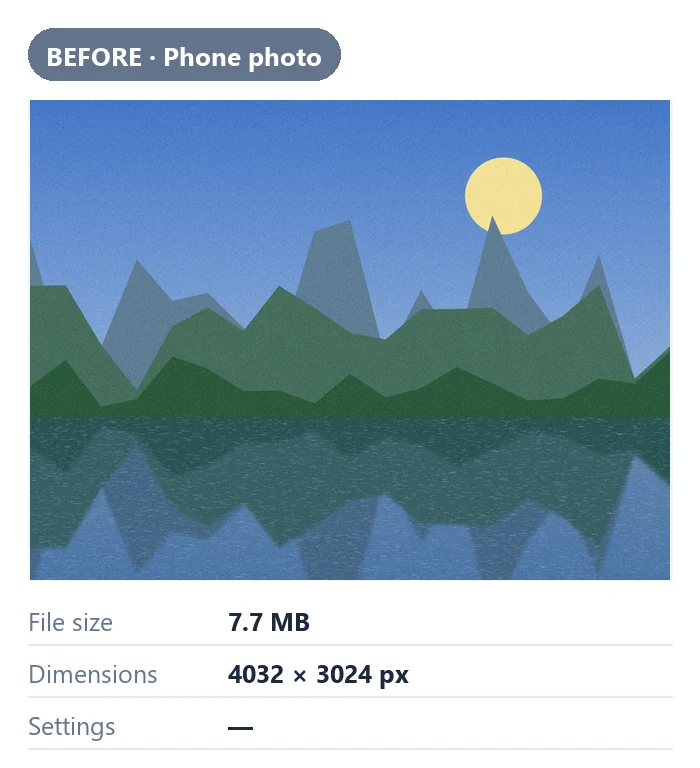
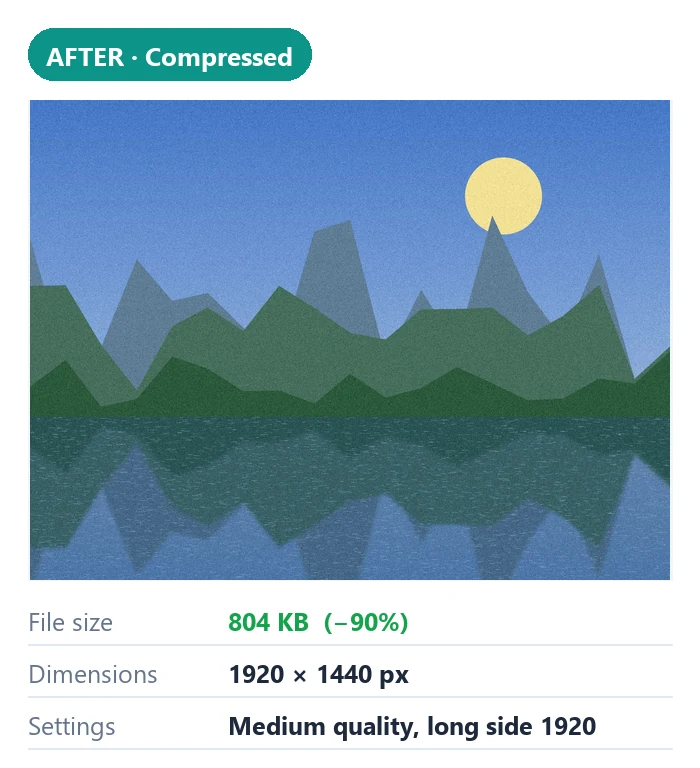
Before: a 4032×3024 phone photo, 7.7 MB After: 1920×1440 at 804 KB, 90% smaller
An actual result with "medium" quality and a 1920 px long side: hardly any visible difference on screen, at a tenth of the size.

When to use it

  • Meeting limits like “maximum 2 MB” on government, school or job sites
  • Sending many photos by chat or email
  • Making blog or shop pages load faster

How it works

Each photo is turned upright, reduced to the chosen size and saved as JPG or WEBP at the chosen quality, without EXIF data such as capture date and GPS location. If the result would be bigger than the original, you’re told instead of given the file.

To change only the dimensions and keep the format, use Resize image.

Image formats this tool accepts

This tool accepts JPG, PNG, WEBP and HEIC (iPhone photos). HEIC photos that Windows struggles to open can go straight in without converting them first.

Phone photos are turned upright using the orientation recorded when they were taken. Results are saved as new images, so location (GPS) and device details are not included. Depending on the tool, the output keeps the original format or you can choose it under “Options”.

Frequently asked questions

How much smaller will it get?

Phone photos usually drop below half their size at Medium quality, and to a fraction when you also reduce them to 1920 px on the long side.

It says the file would get bigger.

Photos that are already heavily compressed don't shrink further. Use the original, or try a lower quality or smaller size. A result larger than the original is never offered for download — except for iPhone HEIC photos, which are naturally smaller than JPG; those are always converted.

JPG or WEBP?

JPG if you don't know where it'll be opened; WEBP for your own website or blog, as it's smaller. Safari can't save WEBP.

What about transparent PNGs?

Saved as JPG, transparent areas become white. Choose WEBP to keep transparency.

Related guides

Related converters