Example: before and after
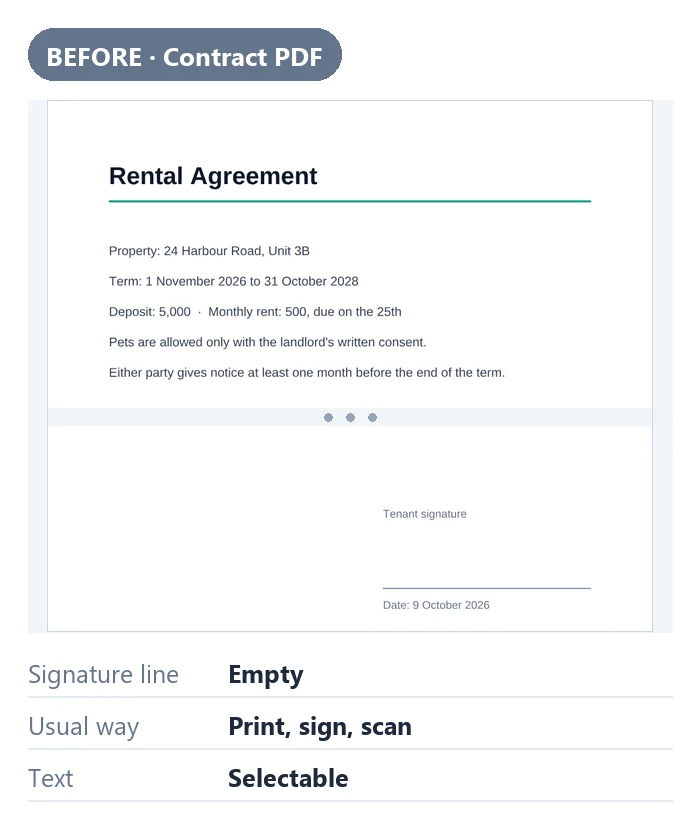
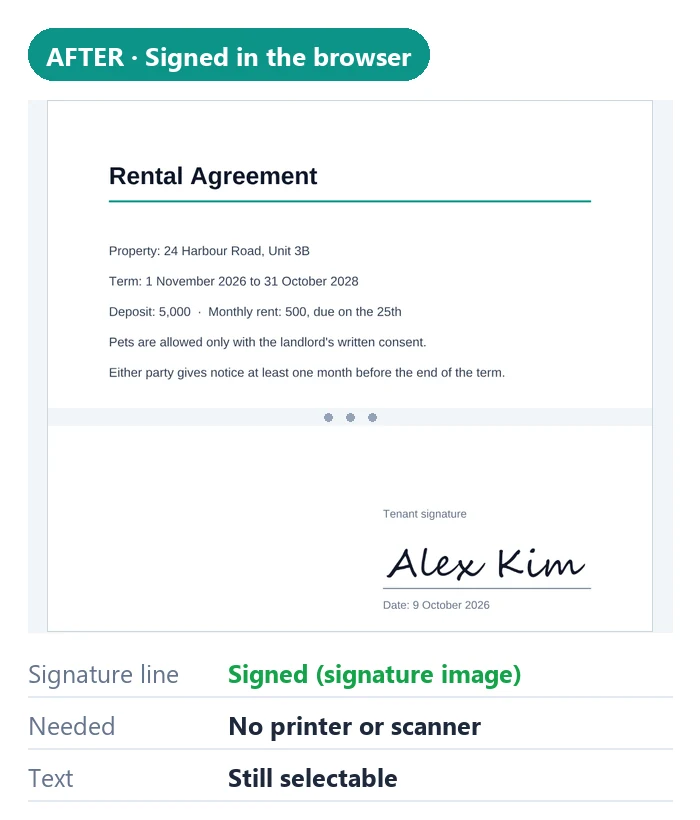
When to use it
- Signing a contract, consent form or application received by email and sending it back
- Adding a company stamp to a quote or confirmation without a printer or scanner
- Initialling every page of a multi-page document
Three ways to make a mark
| Method | How |
|---|---|
| Draw | Sign in the box with your mouse or finger, in black or blue. |
| Name seal | Enter a name to create a red round or square seal. |
| Upload image | Load a photo of a stamp or signature on paper; the white background is removed. |
Good to know
- Only use your own signature and seal. Using someone else’s without permission can be unlawful.
- Documents that require an officially registered seal need the real seal.
- To prevent changes after signing, use an e-signature service agreed with the other party.
To combine the signed PDF with other documents use Merge PDF; to make it smaller use Compress PDF.
What is a PDF file?
PDF (Portable Document Format) was created by Adobe and is now an open ISO standard (ISO 32000). A PDF fixes the exact layout of every page — fonts, images and positions — so a document looks the same on every screen and printer. That makes it the standard for contracts, invoices, manuals, papers and forms.
Inside, a PDF stores each page as drawing instructions. Text written by a program is stored as real characters (a “text layer”) and can be selected and extracted. Scanned documents usually store only a picture of each page, so their text cannot be extracted without OCR.