Example: before and after
When to use it
- Turning a HWPX file you received on a Mac or phone into a PDF to pass on
- Keeping a PDF copy of a HWPX document on a PC without Hangul
- Making several PDFs and combining them with Merge PDF
What carries over?
| Item | In the PDF |
|---|---|
| Paper size and orientation (A4, landscape…) | As in the original |
| Margins (including header and footer areas) | As in the original |
| Page breaks | As in the original |
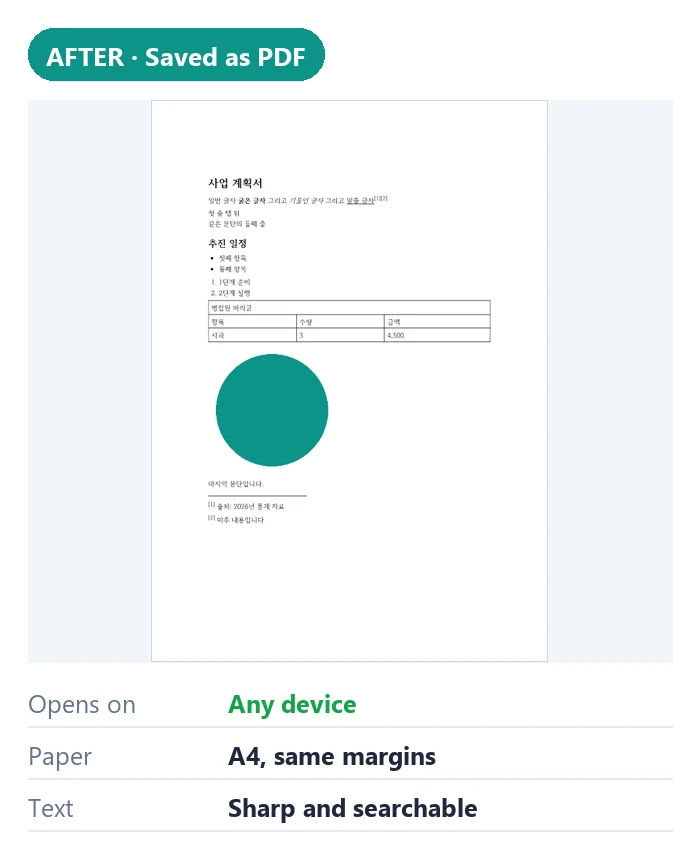
| Body text, outline headings, lists, tables, pictures, footnotes | Carried over |
| Fonts | Replaced with a serif face on your device |
| Headers, footers, page numbers, text-box positions, equations | Not carried over |
Why the print dialog?
Your browser’s “Save as PDF” embeds the Korean fonts already on your device, so there is no multi-megabyte font download and the text in the PDF stays sharp and searchable. Leave Margins on “Default” and Scale at 100% so the document’s own margins are used.
For other approaches, see How to convert HWP files to PDF. For HWP files, use HWP to PDF.
What is an HWPX file?
HWPX is the open, XML-based format for Hangul documents, standardised in Korea as KS X 6101 (OWPML). Like EPUB and DOCX it is a ZIP archive containing the body as XML, the character and paragraph style definitions, and picture files, which makes it much easier for other software to read than the older binary HWP.
Hangul can save HWPX since version 2014, newer versions increasingly use it by default, and more Korean public documents are now distributed as HWPX.
What is a PDF file?
PDF (Portable Document Format) was created by Adobe and is now an open ISO standard (ISO 32000). A PDF fixes the exact layout of every page — fonts, images and positions — so a document looks the same on every screen and printer. That makes it the standard for contracts, invoices, manuals, papers and forms.
Inside, a PDF stores each page as drawing instructions. Text written by a program is stored as real characters (a “text layer”) and can be selected and extracted. Scanned documents usually store only a picture of each page, so their text cannot be extracted without OCR.