Example: before and after
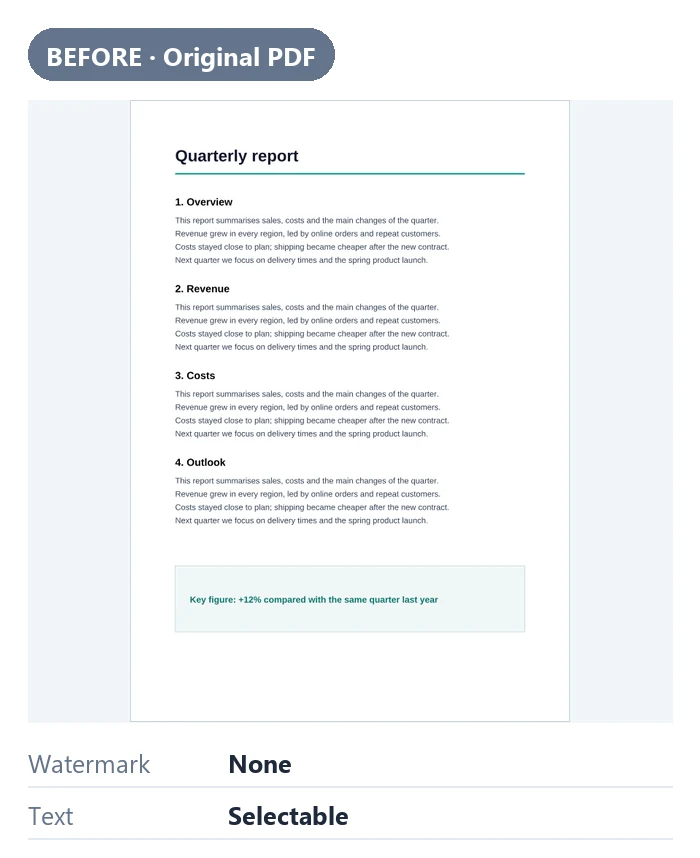
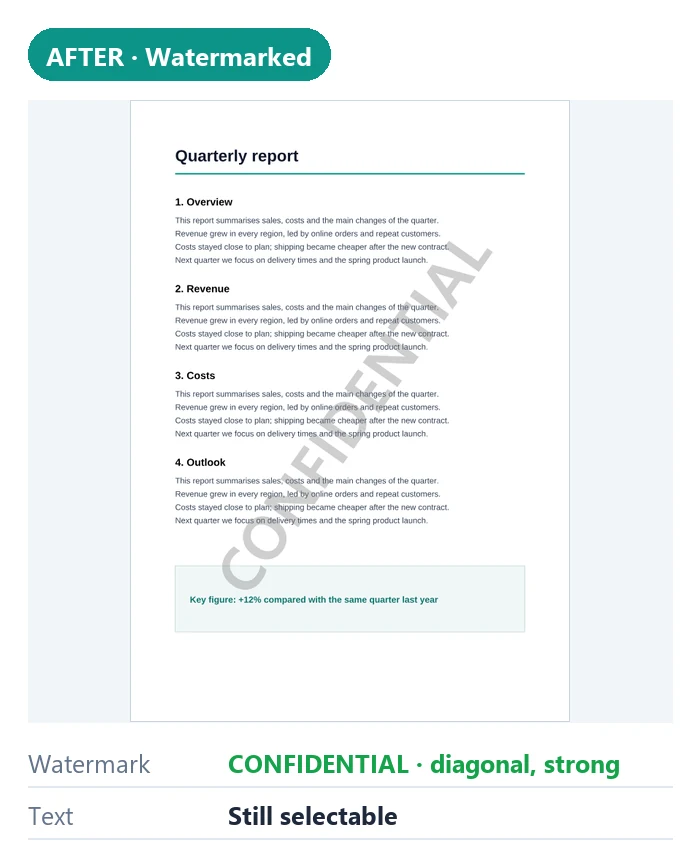
When to use it
- Marking drafts of quotes and contracts as “DRAFT” or “COPY”
- Labelling internal documents “CONFIDENTIAL”
- Adding your name or company to portfolios and proofs
How it works
Your text is rendered with your device’s fonts into an image and placed semi-transparently in the centre of each page, diagonally or horizontally, scaled and angled to the page size and rotation. The original content isn’t changed.
The watermark image is stored in the file once and shared by every page, so even a long document grows only slightly. The original document is edited in place, so selectable and searchable body text, links and bookmarks are kept. The saved file gets “-watermarked” added to its name.
How direction and strength work
| Option | What it does |
|---|---|
| Diagonal | Tilted to match the page’s diagonal from bottom left to top right: about 55° on portrait A4, flatter on landscape pages. The text spans up to about 60% of the diagonal. |
| Horizontal | Not tilted; centred and spanning up to about 70% of the page width. |
| Light / Medium / Strong | Grey at roughly 12% / 22% / 38% opacity. |
The longer the text, the smaller it gets, because it has to fit the same space. A short word like “DRAFT” comes out large and bold; a long phrase like “Internal review copy – Example Ltd” comes out smaller. Up to 60 characters are used, after trimming spaces at either end. The text is bold and uses Malgun Gothic (Windows), Apple SD Gothic Neo (Mac and iPhone) or Noto Sans KR if your device has one of them, and otherwise your device’s default sans-serif font.
Good to know
- Same text on every page — you can’t pick individual pages or use different text per page.
- The watermark isn’t searchable — it’s an image, so its words can’t be selected or searched, and it doesn’t get in the way of searching the body text.
- Adding it twice stacks it — watermarking an already watermarked file puts a second layer on top. To change the wording, start again from the original.
- Picking a strength — Light or Medium is enough for documents read on screen; choose Strong if the mark must survive black-and-white printing or photocopying.
- Password-protected PDFs — encrypted files can’t be processed. To restrict opening after watermarking, follow up with Password-protect PDF.
To number the pages too, use Add page numbers to PDF.
What is a PDF file?
PDF (Portable Document Format) was created by Adobe and is now an open ISO standard (ISO 32000). A PDF fixes the exact layout of every page — fonts, images and positions — so a document looks the same on every screen and printer. That makes it the standard for contracts, invoices, manuals, papers and forms.
Inside, a PDF stores each page as drawing instructions. Text written by a program is stored as real characters (a “text layer”) and can be selected and extracted. Scanned documents usually store only a picture of each page, so their text cannot be extracted without OCR.