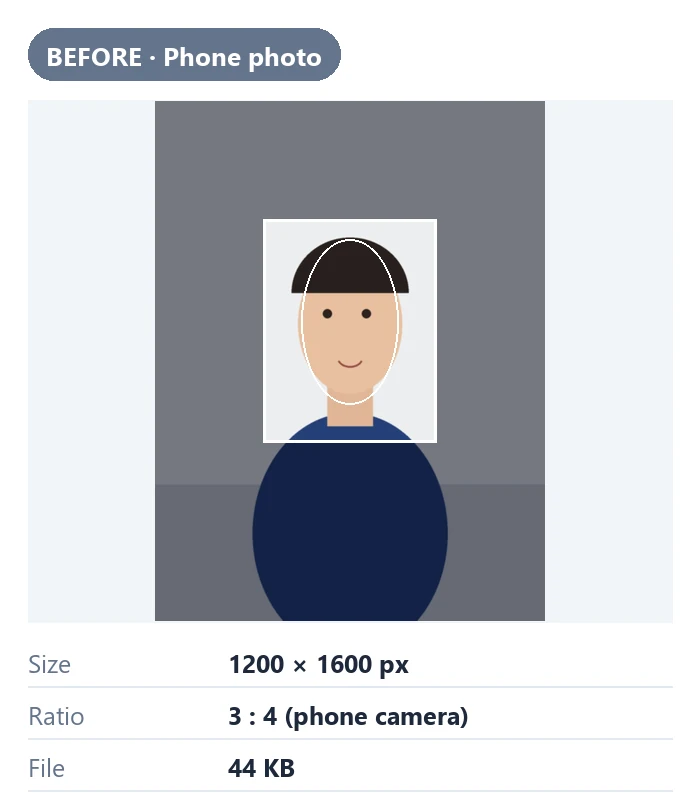
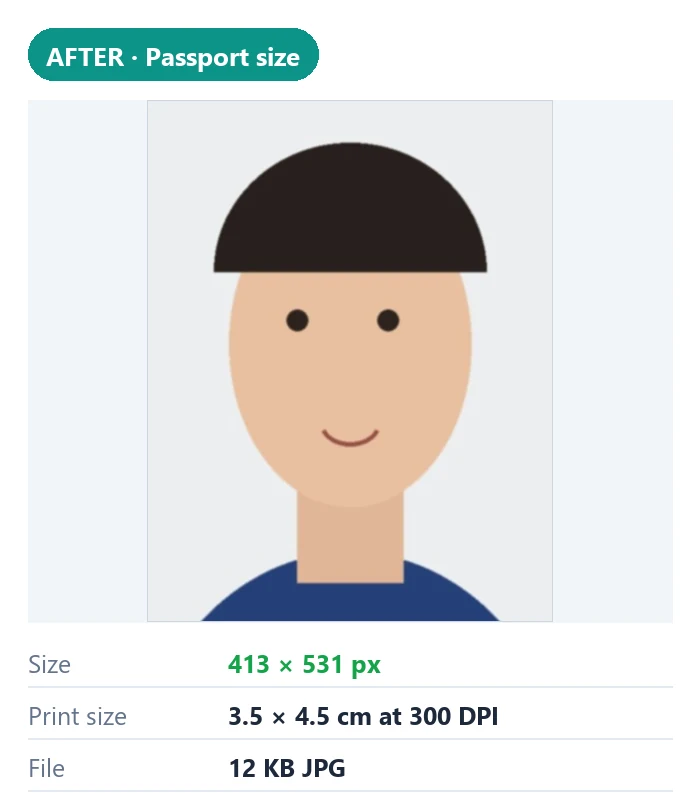
Example: before and after
Sizes
| Size | Physical size | Saved size (300 DPI) | Used for |
|---|---|---|---|
| Korean passport and ID | 3.5 × 4.5 cm | 413 × 531 px | Passport, ID card, driving licence, certificates |
| CV | 3 × 4 cm | 354 × 472 px | CVs, job and exam applications |
| US visa | 2 × 2 in (5.1 × 5.1 cm) | 600 × 600 px | US visa and passport |
| Card | 5 × 7 cm | 591 × 827 px | Yearbooks, some applications |
Taking a photo that works
- Stand in front of a light, plain wall with the phone at face height and shoot straight on.
- Step back so the shoulders show; that leaves room to crop.
- Size the box so the top of the head and the chin touch the top and bottom of the dashed oval.
If the form limits the file size (for example 200 KB), shrink it with Compress to size.
Image formats this tool accepts
This tool accepts JPG, PNG, WEBP and HEIC (iPhone photos). HEIC photos that Windows struggles to open can go straight in without converting them first.
Phone photos are turned upright using the orientation recorded when they were taken. Results are saved as new images, so location (GPS) and device details are not included. Depending on the tool, the output keeps the original format or you can choose it under “Options”.